
BusinessOS
Back to Videos

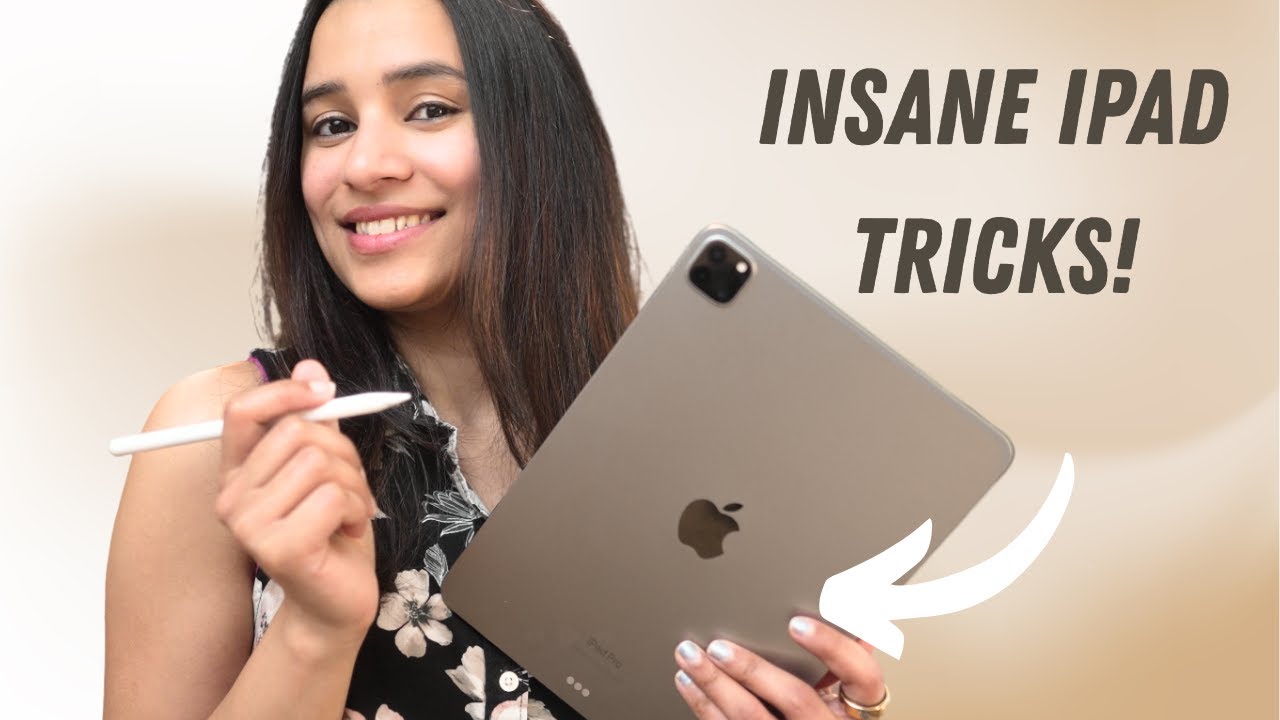
10 Genius Apple Notes Tips You NEED to Try on iPad

Watch on YouTube November 21, 2025 PT15M52S
237,289
Views
7,083
Likes
208
Comments
2.49x
Viral Ratio
The Tech Girl
95,200 subscribers · mid tier
View Channel
Full Description
If you use your iPad even half as much as I do, you need to see this video. Apple Notes has become one of the most powerful productivity tools in the entire Apple ecosystem — and most people don’t even realize it.
It’s no longer just a place to jot down grocery lists… Apple Notes can replace your planner, your to-do app, and even parts of Notion or GoodNotes when you know the right features.

Try Opera Neon: https://opr.as/Opera-neon-anjanagowtham
Try Comet for Free - https://pplx.ai/aganjanara11826

Chapters
00:00 – Intro
00:47 – Smart Folders & Tags
02:04 – Linking Notes Together
03:10 – Quick Notes
04:17 – Scan Documents + OCR
05:30 - Opera Neon
08:34 – Image Playground
09:56 – Pin & Lock Notes
10:39 – Collaboration & Mentions
11:56 – Formatting + Writing Tools
13:16 – Attach Photos, Links & PDFs
14:07 – Export as Markdown

#AppleNotes #iPadTips #iPadOS #ProductivityHacks #AppleEcosystem #Notetaking #AppleIntelligenceSubscribe

 if you liked the video: https://www.youtube.com/@anjanagowtham?Sub_Confirmation=1

❤ Anjana
Tags
the tech girlapple notesapple notes tipsapple notes ipadapple notes tutorialapple notes hacksapple notes featuresapple notes 2025apple notes smart folderssmart folders noteshow to use tags apple noteshyperlink notes applehow to organize notes on ipadipad notes tipsipad notes tricksipad notes appipad notes tutorialipad productivityipad productivity setupipad digital planningdigital planner ipadsecond brain setup ipad.